Drone Laws guide · Source-reviewed article
How to register a drone with the FAA
Learn how to choose the correct FAA drone registration path, prepare for DroneZone, mark your drone, carry proof, renew, and check Remote ID.
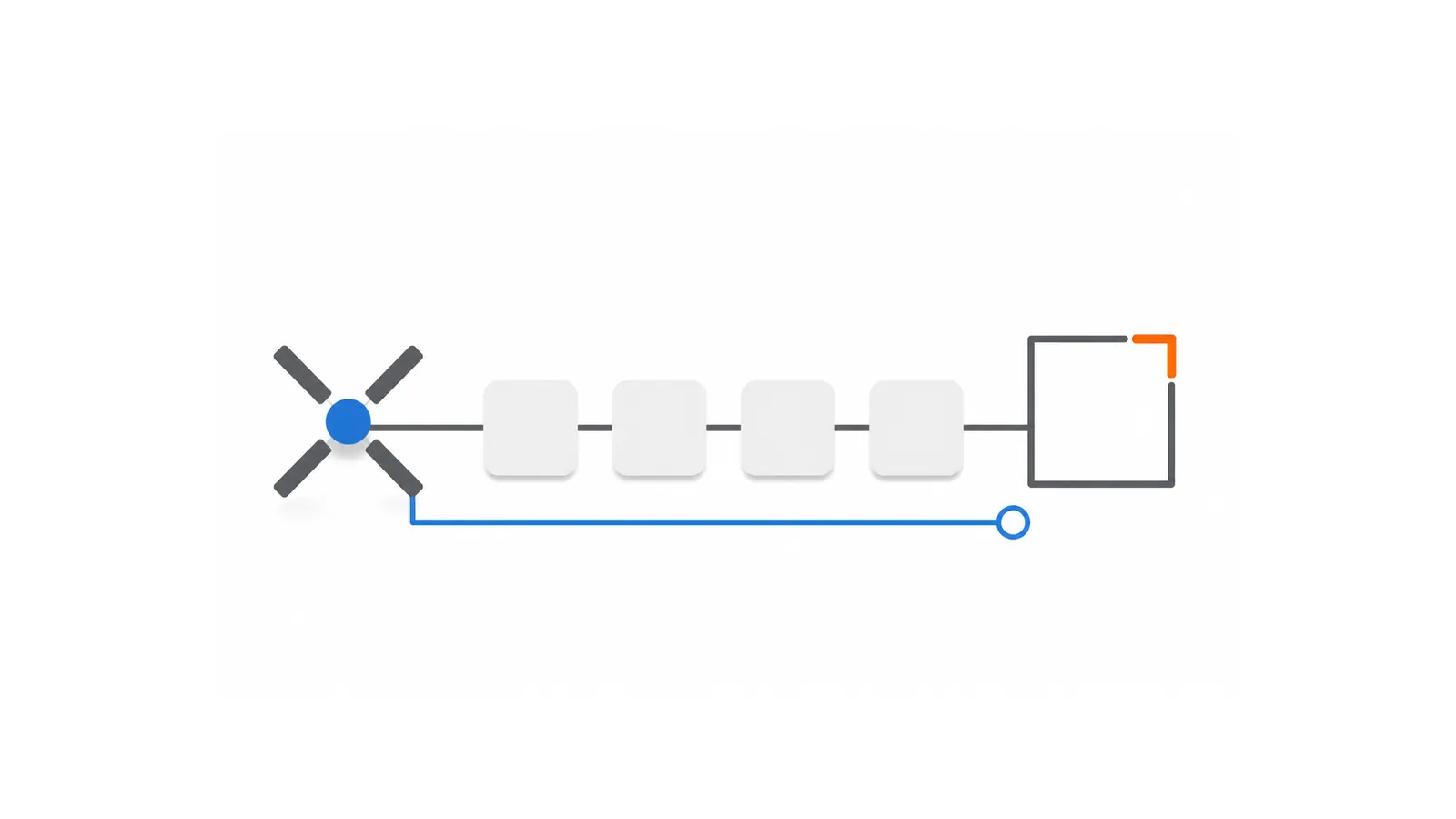
FAA drone registration starts with two questions: why the aircraft will be flown and what it weighs on takeoff. Those answers determine whether the limited-recreational exception can apply, whether the aircraft belongs in a recreational inventory or must be registered individually, and whether the small-unmanned-aircraft process described by the FAA is the right path.
Do not begin with the assumption that every drone must be registered or that every lightweight drone is exempt. The federal rule contains a narrow exception tied to both operating purpose and takeoff configuration. Registration also has a limited role: it creates the applicable registration record. It does not approve a flight, authorize controlled airspace, establish Remote ID compliance, or resolve every federal, state, local, property, or mission-specific requirement.
Concise answer: Start with your operating purpose and takeoff weight, because the limited-recreational and Part 107 paths are not interchangeable. For eligible small-drone registrations, use the FAA's current guidance and DroneZone, then keep the certificate, mark the aircraft, track renewal, and make a separate Remote ID check. Registration does not authorize a flight.
Key takeaways
- Choose the operating path before using a weight threshold: limited recreational and Part 107 registration are not interchangeable.
- The narrow recreational exception applies only to an aircraft operated exclusively under Section 44809 that weighs 0.55 pounds or less on takeoff, including everything aboard or attached.
- The FAA's small-UA DroneZone path described here is for aircraft weighing less than 55 pounds. Aircraft weighing 55 pounds or more require a separately verified path.
- Current FAA guidance states a $5 registration fee and a three-year validity period for the covered Part 48 paths.
- Carry the paper or digital certificate when flying, mark the aircraft as required, and treat Remote ID as a separate check.
- Registration is not flight approval, airspace authorization, or a complete determination that an operation is legal.
1. Start with your operating purpose and takeoff weight
First decide which operating context you are evaluating. A flight conducted exclusively under the limited recreational exception in 49 U.S.C. Section 44809 is not the same registration path as a Part 107 or other non-recreational operation. Public-aircraft and foreign-ownership situations can involve separate, fact-sensitive treatment and should not be classified from this general guide.
Next use the complete weight partition. The DroneZone small-UA online path described by FAA is for a drone weighing less than 55 pounds. An aircraft weighing 55 pounds or more requires a separately verified pathway. That wording deliberately includes an aircraft at exactly 55 pounds in the second branch; “over 55 pounds” would leave a gap.
For an aircraft below 55 pounds, continue by checking purpose and the precise recreational exception. Do not treat the weight branch by itself as an eligibility or legality answer.
Registration path checkpoints
- Check operating context before applying a weight threshold.
- Limited recreational exception: operated exclusively under Section 44809 and weighing 0.55 pounds or less on takeoff, including everything aboard or attached.
- less than 55 pounds (<55 lb): use the applicable small-UA path only after checking purpose and exception status.
- 55 pounds or more (>=55 lb): use a separately verified registration path.
- Registration does not authorize a flight.
- Complete a separate Remote ID follow-up.
Registration preparation paths by operating context and takeoff weight.

2. Apply the limited-recreational exception exactly
For a small unmanned aircraft operated exclusively under 49 U.S.C. Section 44809, 14 CFR 48.15(b) provides the registration exception only when the aircraft weighs 0.55 pounds or less on takeoff, including everything aboard or attached.
Every part of that sentence matters. “Operated exclusively” ties the exception to the limited-recreational operating path. “On takeoff” means the relevant configuration includes the aircraft and everything aboard or attached at that time. A consumer shorthand such as “under 250 grams” is not a complete substitute for the regulatory wording and should not be used to decide a mixed-purpose or differently configured operation.
If an aircraft operated exclusively under Section 44809 weighs more than 0.55 pounds on takeoff but remains less than 55 pounds, the checked Part 48 sources do not place it within that narrow exception. Use the current FAA registration guidance to verify and complete the applicable path. A small aircraft used under Part 107 or another non-recreational path does not gain this exception merely because its bare product weight is low.
The accepted evidence also identifies Armed Forces aircraft as separately excluded by 14 CFR 48.15(c). That exclusion is not a general public-aircraft shortcut. Anyone dealing with public-aircraft status, government ownership, foreign registration, or another specialized case should use current official FAA guidance rather than applying this consumer workflow by analogy.
3. Keep recreational and Part 107 registration separate
The FAA's current registration structure treats the two common small-drone paths differently.
- Limited recreational: the registration certificate is associated with the recreational inventory. Aircraft used within that path are managed under the recreational certificate structure, subject to the exact exception above.
- Part 107 or other covered non-recreational use: each aircraft is registered individually.
A recreational registration is not interchangeable with a Part 107 registration. If the operating purpose changes, do not assume the existing recreational entry automatically transfers to the non-recreational path, or vice versa. Verify the applicable registration record in current FAA guidance and update or complete the appropriate process.
This distinction is about the registration system, not a promise that a particular mission fits Section 44809 or Part 107. Purpose can be fact-sensitive. Drone Home does not decide an operator's status, and payment or compensation is not the only fact that may matter.
4. Prepare the supported information and fee
Before opening the official portal, gather the information the checked FAA sources support for the applicable path:
- registrant or owner contact information;
- the aircraft's make and model;
- the aircraft information needed for an individual or recreational inventory record; and
- the applicable Standard Remote ID drone or broadcast-module serial information when required for that record.
Use manufacturer documentation for model-specific serial location, and enter information only in the current official system. This guide does not reproduce DroneZone screens because an interface can change and a screenshot would not prove that a user is eligible or that a submission will be accepted.
The checked FAA guidance and Part 48 text support a $5 fee per aircraft for the individual registration path or per certificate for the limited-recreational path. The supported validity period is three years. Those are current federal registration facts as reviewed on August 10, 2026; they are not estimates of processing time, renewal timing, account support, or the cost of any other requirement.
Part 48 also includes age and eligibility rules. If the owner is under 13, an eligible person who is at least 13 must register. Do not reduce eligibility to U.S. citizens alone: the regulation includes additional categories. For a foreign-owned aircraft handled under the applicable Part 48 provision, the resulting certificate is recognition of ownership rather than U.S. aircraft registration. Because citizenship, residence, ownership, and foreign-registration facts can change the path, use the current official source for a specific case.
5. Use the official FAA destination
Read the FAA's current drone-registration guidance before beginning. If the aircraft and operating path fit the FAA's online small-UA process, continue to FAADroneZone and complete the transaction there.
Drone Home is not the FAA and is not affiliated with or endorsed by the FAA. We do not create or access DroneZone accounts, accept registration information or payment, register an aircraft, troubleshoot an account, or submit anything on a user's behalf. A link to an official destination is informational, not an approval, endorsement, or guarantee that a transaction will succeed.
The portal is the transaction destination; it is not the controlling legal text. If portal wording and a current regulation appear to differ, stop and check the current Part 48 text and FAA guidance rather than guessing.
6. Keep the certificate and mark the aircraft
After a covered registration is completed, the checked sources require the operator to possess the registration certificate while flying. The certificate may be kept in paper or digital form. It should be available as required; a payment record or account screen is not a substitute created by this guide.
The aircraft must also display the required registration identifier externally in accordance with the current marking rule. Use the identifier and placement instructions issued for the actual registration. Do not copy an example number, use an FAA seal, or treat a decorative label as proof of compliance.
These are post-registration record and marking steps. They do not authorize a launch, approve a location, satisfy Remote ID by themselves, or replace airspace and operating-rule checks.
7. Renew, update, or cancel the record when required
The supported Part 48 registration term is three years. A certificate expires after that period unless it is renewed through the applicable official process. Track the actual expiration shown in the official record rather than relying on the date this guide was published or on a generic calendar reminder.
The holder of a Certificate of Aircraft Registration must use the web-based small unmanned aircraft registration system to update the information within 14 calendar days after a change to information submitted under § 48.110 or when registration requires cancellation, including sale or transfer, destruction, or export. Renewal is separate; use current FAA guidance and the official system for the applicable renewal process. This article does not claim a guaranteed renewal window, processing time, reminder service, or account-recovery path.
Recreational and Part 107 registrations remain different operation-type records. Do not describe one as automatically transferring into the other. The accepted evidence for this article does not support a broader promise about every sale, ownership transfer, estate, public-aircraft, or foreign-registration scenario, so those cases require a fresh official-source check.
8. Check Remote ID separately
Registration and Remote ID are related but separate. Aircraft registered or required to be registered generally enter Part 89's Remote ID operating scope, subject to Part 89's exact exceptions and authorizations. A registration certificate does not prove that an aircraft or module has an accepted Declaration of Compliance, is correctly configured, is broadcasting as required, or is operating within an allowed Remote ID pathway.
After resolving the registration record, Check Remote ID separately after registration because registration does not prove Remote ID compliance, accepted DoC status, broadcast configuration, or permission to fly.
Remote ID also does not replace registration, airspace authorization, operating conditions, location restrictions, or other preflight duties. Each requirement has its own authority and evidence.
9. Finish with a registration boundary check
Before treating the registration task as complete, confirm all of the following:
- You selected the operating path before applying any weight exception.
- You used the exact on-takeoff weight, including everything aboard or attached.
- You placed an aircraft weighing exactly 55 pounds in the 55 pounds or more branch.
- You used the official FAA guidance and portal, not a third-party submission service presented as FAA.
- You retained the correct paper or digital certificate and marked the aircraft as required.
- You recorded the actual expiration and will use official sources for renewal or updates.
- You completed a separate Remote ID check when applicable.
- You did not treat registration as permission to fly.
For broader context, visit Drone Home's U.S. drone-law tasks hub or read the beginner guide to U.S. drone laws. Those pages provide navigation and general context; the current FAA, eCFR, and other applicable official sources still control the actual operation.
Official sources
- FAA — How to Register Your Drone
- eCFR — 14 CFR Part 48 issue snapshot dated August 5, 2026
- U.S. House OLRC — 49 U.S.C. Section 44809
- FAA — FAADroneZone
- FAA — Remote Identification of Drones
Important information
This guide provides general U.S. information and is not a flight-specific determination. It is not legal advice. Check the current FAA, eCFR, and other rules that apply to your aircraft, purpose, location, and operation. Use the current official FAA page or tool for the actual transaction or lookup; Drone Home does not access, complete, or submit it for you.
Following this guide does not guarantee registration, Remote ID compliance, airspace authorization, or permission to fly. Drone Home is not the FAA and is not affiliated with or endorsed by the FAA. This guide contains no paid placement or affiliate link. Links and source references are informational, not Drone Home or FAA endorsements unless the official source expressly says otherwise.
Reviewed August 10, 2026. Recheck official sources before acting.
Sources
These sources were reviewed for this guide. Recheck current official and first-party pages before operational use.
Keep reading
Keep learning
Explore more practical guides for drone rules, equipment, software, and commercial workflows.
More Drone Laws guidesStay current
Drone Home Weekly is not accepting signups yet.
Drone Home is preparing a source-reviewed update list, but there is no approved newsletter endpoint or mailing-list processor active on this site.
No email address is accepted, transmitted, stored, logged, added to a list, or shared from this page.
Read the latest drone news